> ## Documentation Index
> Fetch the complete documentation index at: https://www.tella.com/docs/llms.txt
> Use this file to discover all available pages before exploring further.
# How to post videos to Twitter
Here are two ways that you can post your Tella videos on Twitter.
The first is to **download your video.**
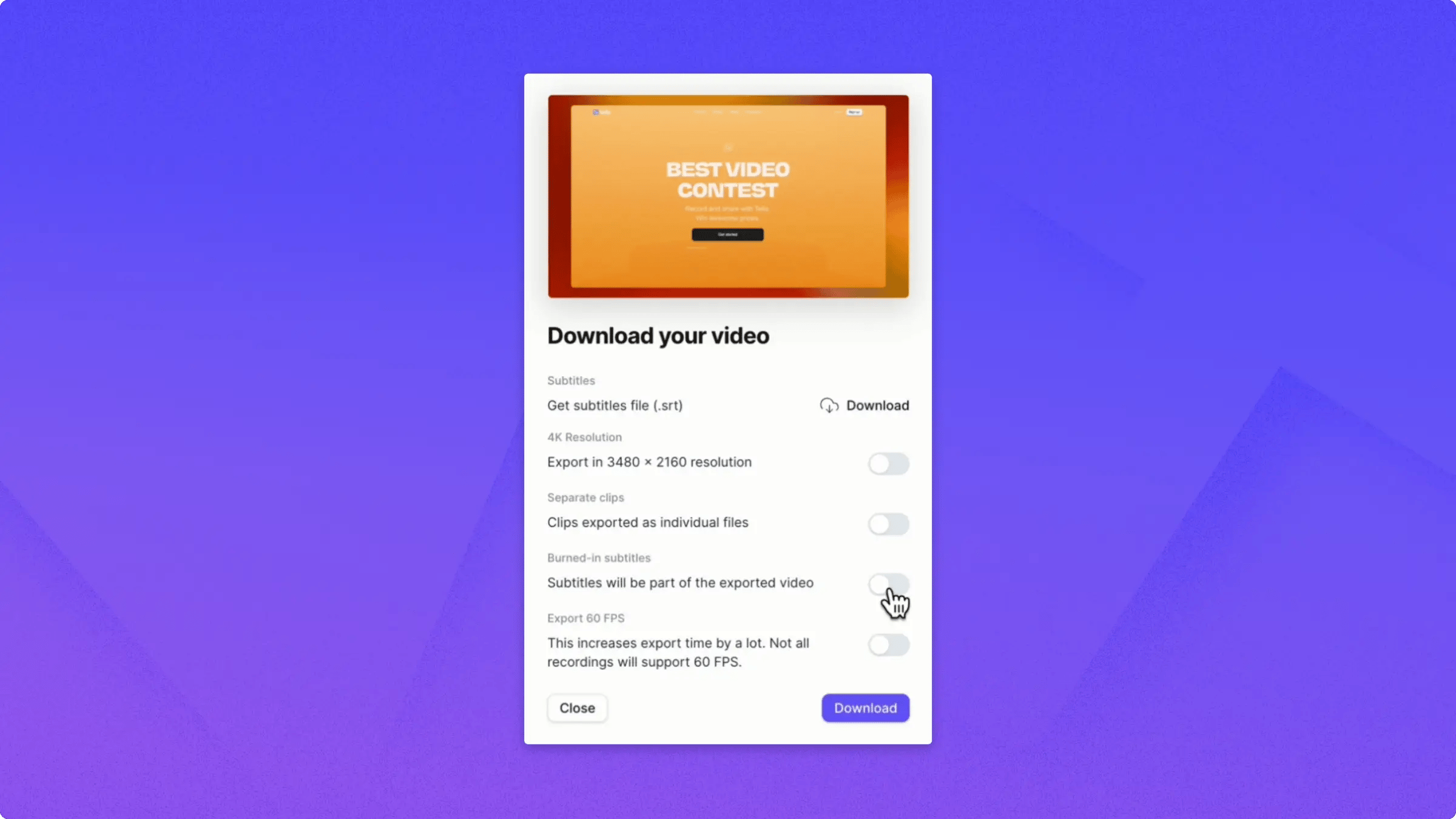 If you want to download your video in **4K**, you can toggle the **4K Resolution** switch. Note that Twitter only supports up to 1080p.
If you want to burn in subtitles, which is usually a good idea for Twitter, toggle the **Burned-in Subtitles** switch and then click **Download**.
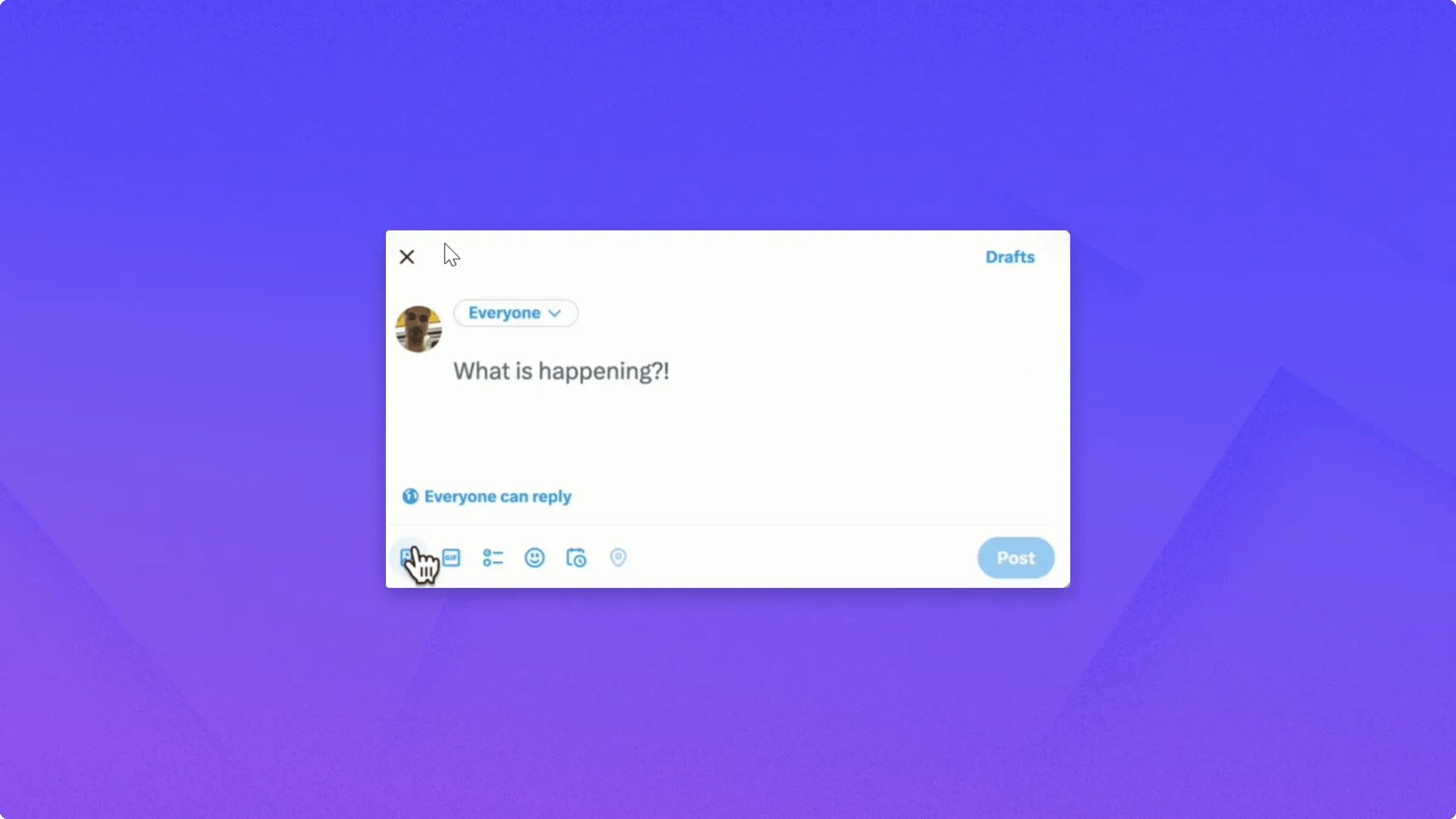
Compose your tweet, click the media icon, and select your video to upload it.
If you want to download your video in **4K**, you can toggle the **4K Resolution** switch. Note that Twitter only supports up to 1080p.
If you want to burn in subtitles, which is usually a good idea for Twitter, toggle the **Burned-in Subtitles** switch and then click **Download**.
Compose your tweet, click the media icon, and select your video to upload it.
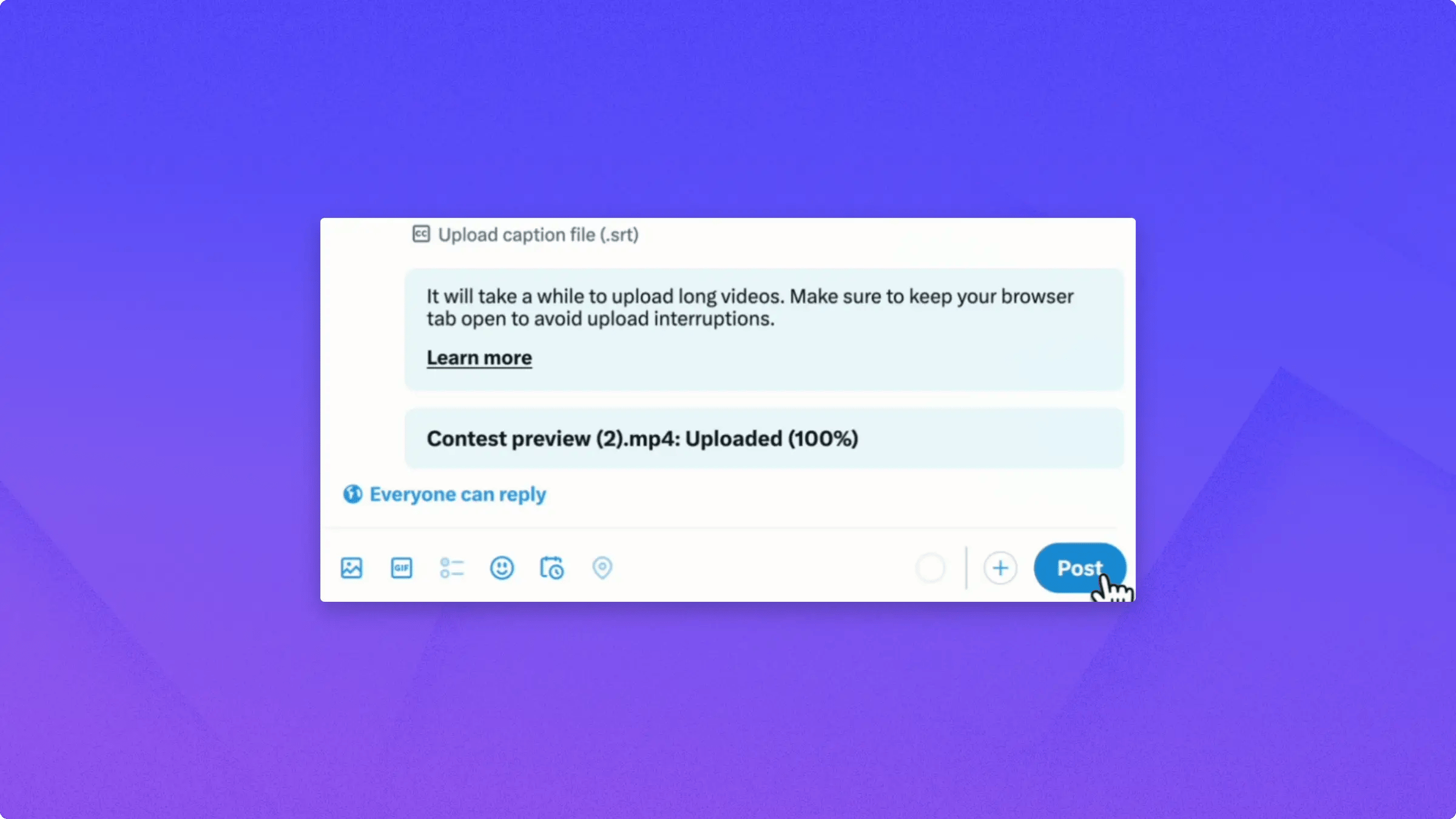
 Once the upload finishes, type your tweet text and click **Post**.
 The second way to post your Tella video on Twitter is to **copy the video link**, paste it into your tweet, and Twitter displays a preview that viewers can play inline.
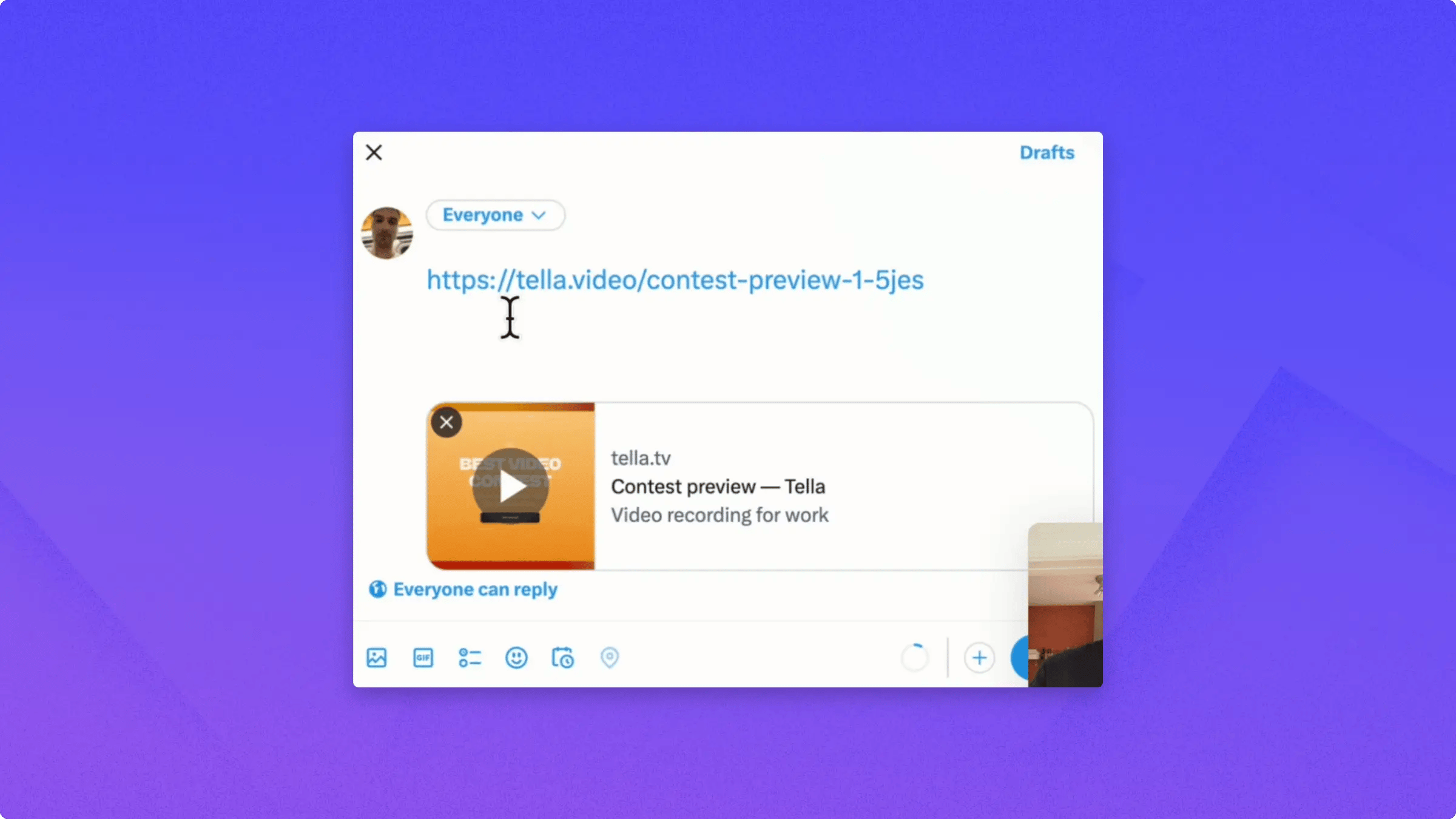 This saves time because you don't have to download and re-upload the video. Most Twitter clients can play the video directly inline.
In some cases, viewers may need to click the link to watch it on **Tella**, but most viewers can play it directly from the tweet.
This saves time because you don't have to download and re-upload the video. Most Twitter clients can play the video directly inline.
In some cases, viewers may need to click the link to watch it on **Tella**, but most viewers can play it directly from the tweet.